All windows
Press Super+Tab, or swipe down with four fingers, to see every window on the current workspace laid out side by side, with your workspaces along the bottom.
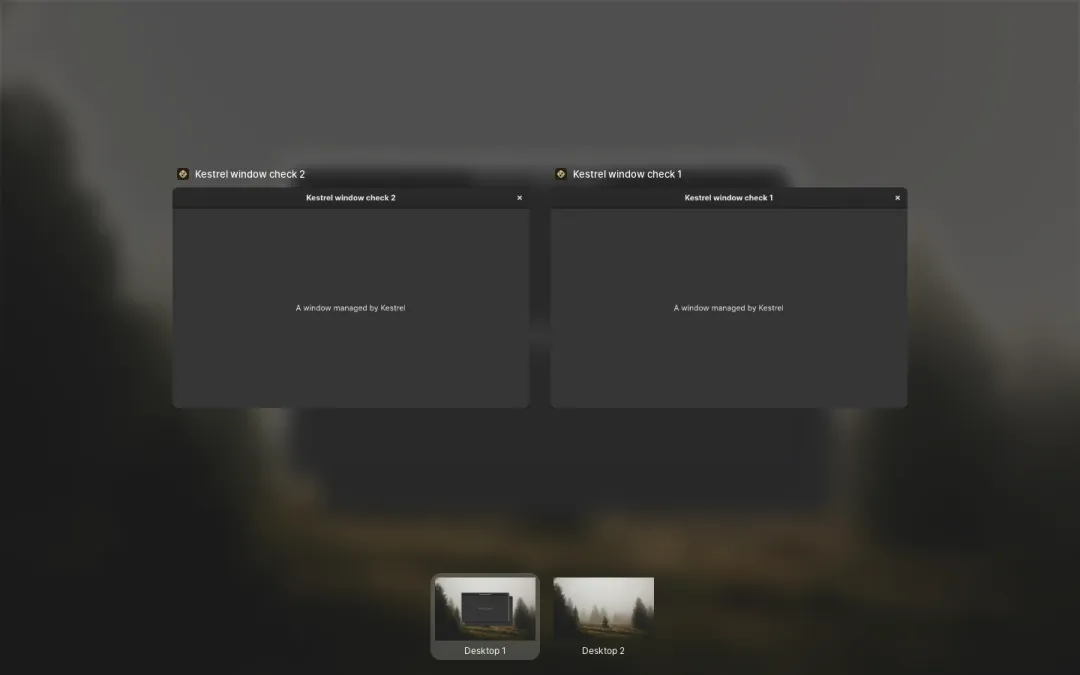
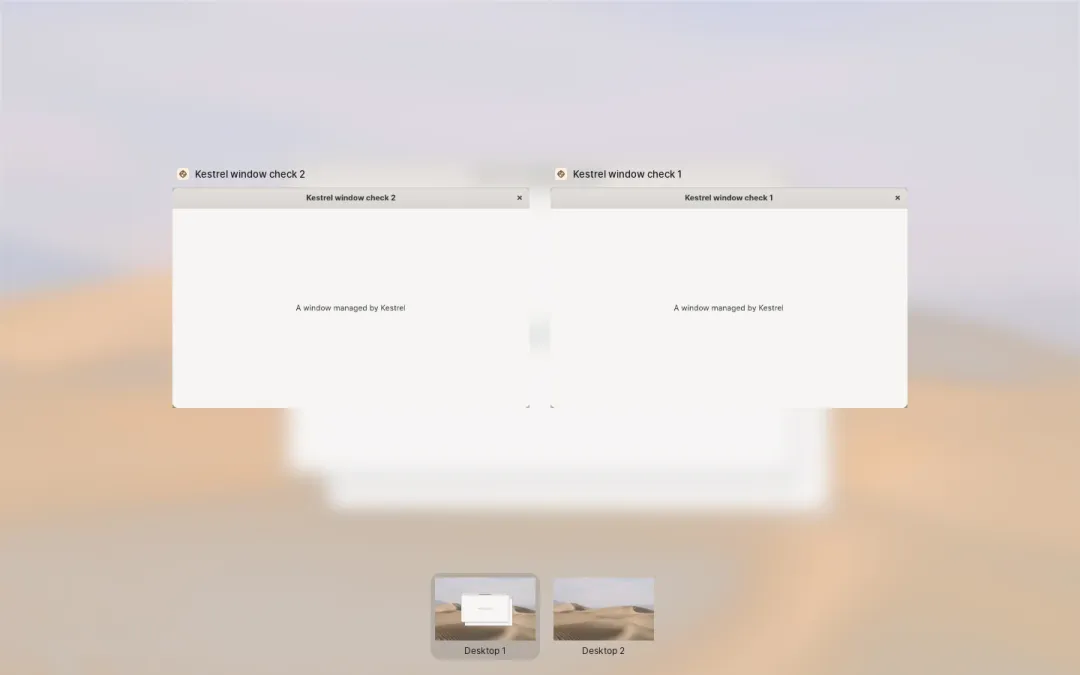
- Click a window to switch to it. Middle-click it, press Delete, or use its close button to close it.
- Click a workspace at the bottom to switch to it. Each one is a live picture, boards included.
- Drag a window onto a workspace to move it there.
- Click the background, press Esc, or swipe up with four fingers to go back.
It opens on the display the pointer is on.
Switching with Alt+Tab
Section titled “Switching with Alt+Tab”Alt+Tab is the quicker switcher: hold Alt and press Tab to step through the windows on this workspace, then let go. Alt+` steps through the windows of the app you’re using.