Rover
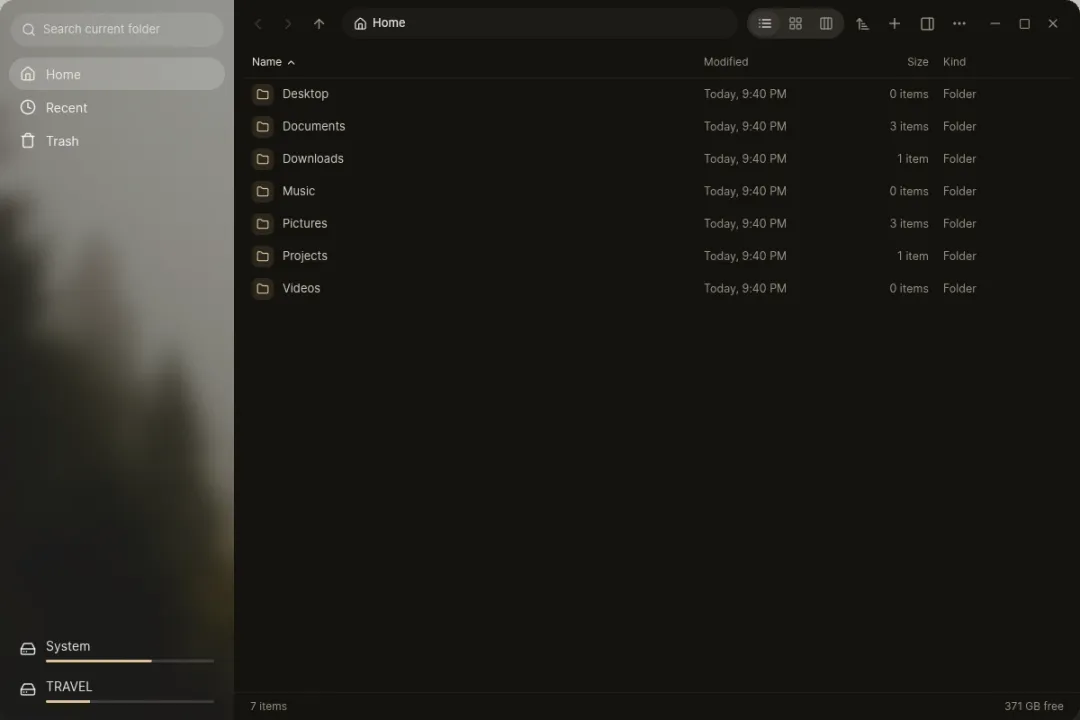
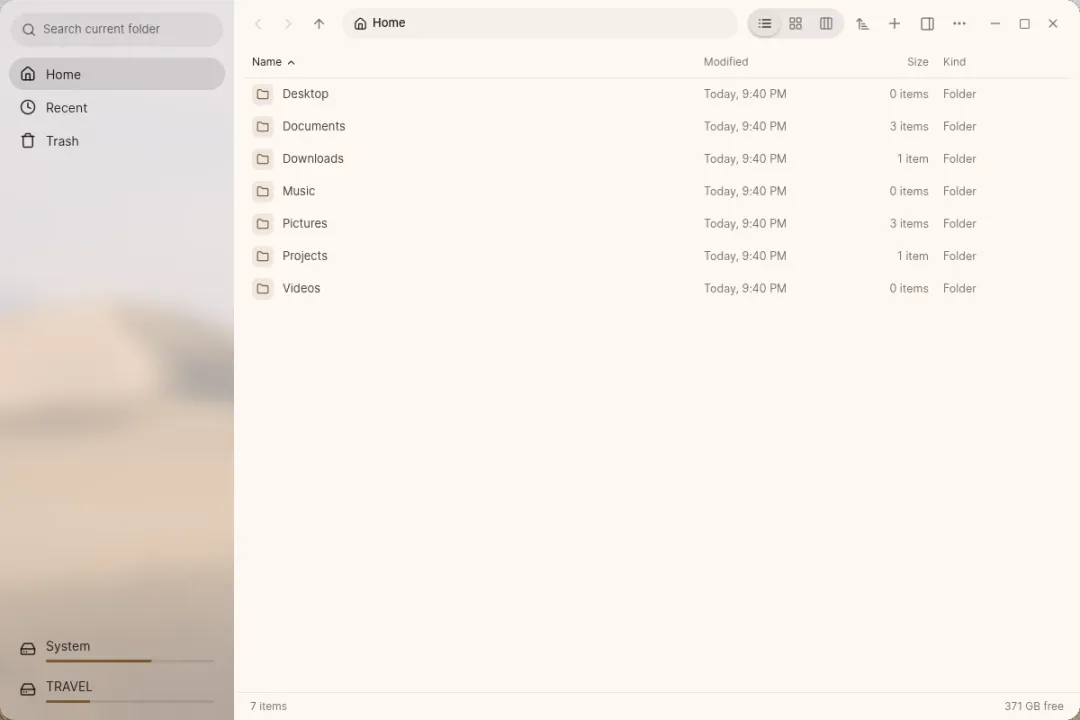
Rover is Luft’s file manager. It’s also the file dialog: when any app asks you to open or save a file, Rover’s chooser appears, with the same sidebar, search and previews. Search for “files” in Start to find it.
Finding your way
Section titled “Finding your way”- Tabs, and list, grid and column views. Rover remembers the view for each folder. List columns can be sorted, resized and reordered.
- The sidebar holds your folders, Recent, Favorites, Trash, drives, cloud drives, network locations, and Windows’ drive when it’s on the same computer.
- Search by name or by what’s inside files, narrowed by kind, date and size. Ctrl+F filters the folder you’re in, and Ctrl+Shift+F searches everything inside it.
- The details pane and Quick Look (Space) preview pictures, video, audio, text, code, Markdown and PDFs without opening an app.
- Group a folder by date or kind.
Working with files
Section titled “Working with files”- Copy and move run in the background, with pause, cancel and a choice when names clash. Every file operation can be undone and redone.
- Batch rename a selection: change the case, replace text, or number them.
- Compress to zip or tar.zst, and extract zip, tar, 7z and single compressed files.
- Properties shows permissions as a grid you can change, and the app that opens this kind of file.
- Open in terminal opens Tern in that folder.
Network locations
Section titled “Network locations”Rover connects to SFTP, SMB, FTP, WebDAV and NFS servers. Type an address such as sftp://server or smb://nas/share with Ctrl+L. Passwords are kept in Luft Keyring.
Code folders
Section titled “Code folders”In a folder kept in Git, the details pane shows what changed, with diffs. You can commit changes and sync with the remote from there. Sync only runs when it can do so safely; with changes on both sides, it asks you to pull from a terminal first.
Keyboard shortcuts
Section titled “Keyboard shortcuts”| Shortcut | Does |
|---|---|
| Ctrl+C / X / V | Copy, cut, paste |
| Space | Quick Look |
| Enter | Open |
| Typing a name | Jump to the first file that matches |
| Ctrl+1 / 2 / 3 | List, grid, column view |
| Ctrl++ / - / 0 | Icon size in the grid |
| Alt+P | Details pane |
| Ctrl+L | Type a location |
| Ctrl+H | Show hidden files |
| Ctrl+Shift+N | New folder |
| Alt+Left / Right / Up | Back, forward, parent folder |
| Ctrl+T / Ctrl+W | New tab, close tab |
| F2 | Rename, or batch rename a selection |
| Alt+Enter | Properties |
| Ctrl+Z / Ctrl+Shift+Z | Undo, redo |
| Delete | Move to the trash; inside Trash, delete for good |