Quick settings
Click the status icons on the taskbar, or press Super+S, to open Quick settings.
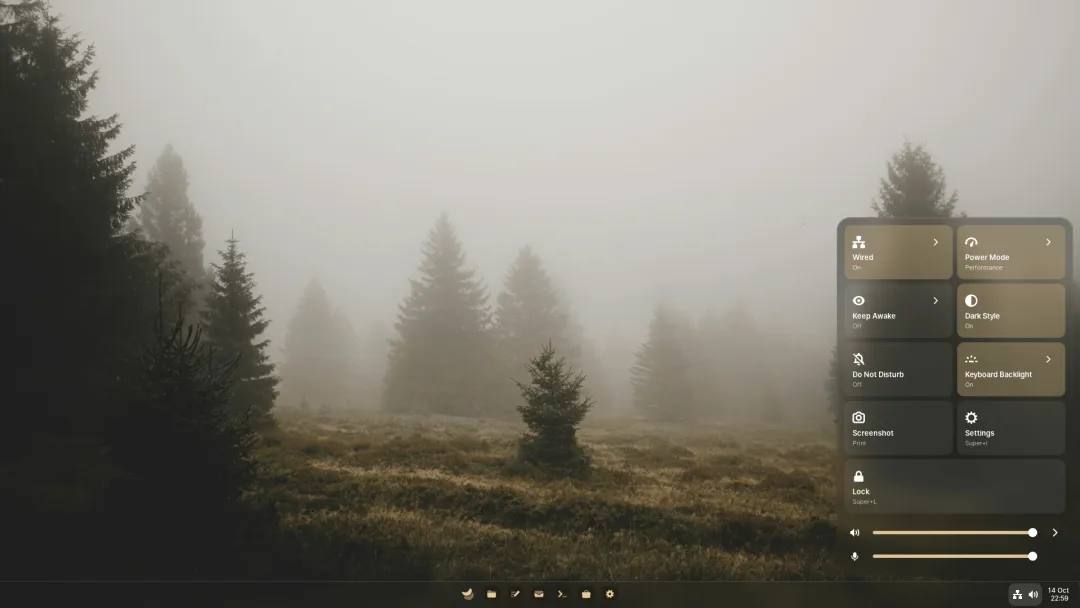
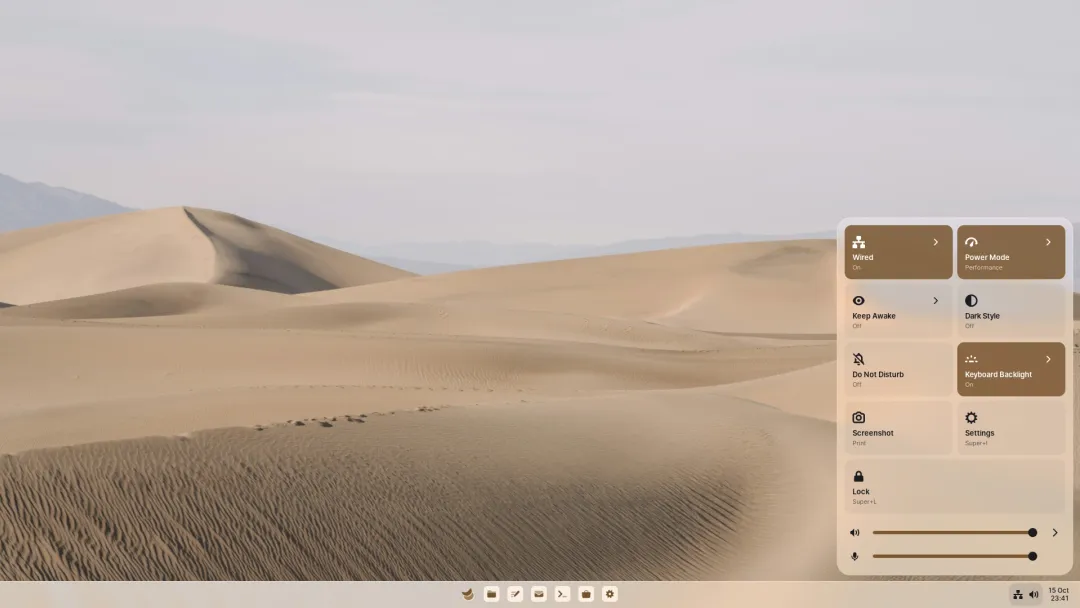
| Tile | Does |
|---|---|
| Wi-Fi, Wired, Mobile, Tether | Turn each connection on or off; the arrow lists networks |
| VPN | Connect to your VPNs |
| Bluetooth | On or off, and your devices |
| Airplane Mode | Turns off every radio |
| Power Mode | Performance, Balanced or Power Saver |
| Keep Awake | Keeps the screen on until turned off, or for 30 minutes, an hour or two hours |
| Night Light | Warmer colours in the evening |
| Dark Style | Switches between light and dark |
| Do Not Disturb | Holds back notification banners |
| Keyboard Backlight | Off, low or high |
| Auto Rotate | Follows how a tablet or convertible is held |
| Battery | The charge and time left; opens Power settings |
| Screenshot, Settings, Lock | Off at first; add them if you like |
Tiles for hardware you don’t have stay hidden.
Sliders
Section titled “Sliders”Volume, with a menu to pick the output device, the microphone, and brightness. With several displays that can change brightness, including external monitors over DDC/CI, a menu sets each one.
Making it yours
Section titled “Making it yours”- Drag a tile to move it.
- Right-click a tile to open its settings or remove it.
- Right-click empty space to add removed tiles back, or reset the layout.
What’s playing appears in Notifications, not here.