What is Luft
Luft is an operating system for PCs, built on Fedora. It has its own desktop, its own apps, and a startup that’s signed from the moment you press the power button. It ships as one sealed image that updates as a whole and can always go back to the version before.
What makes it different
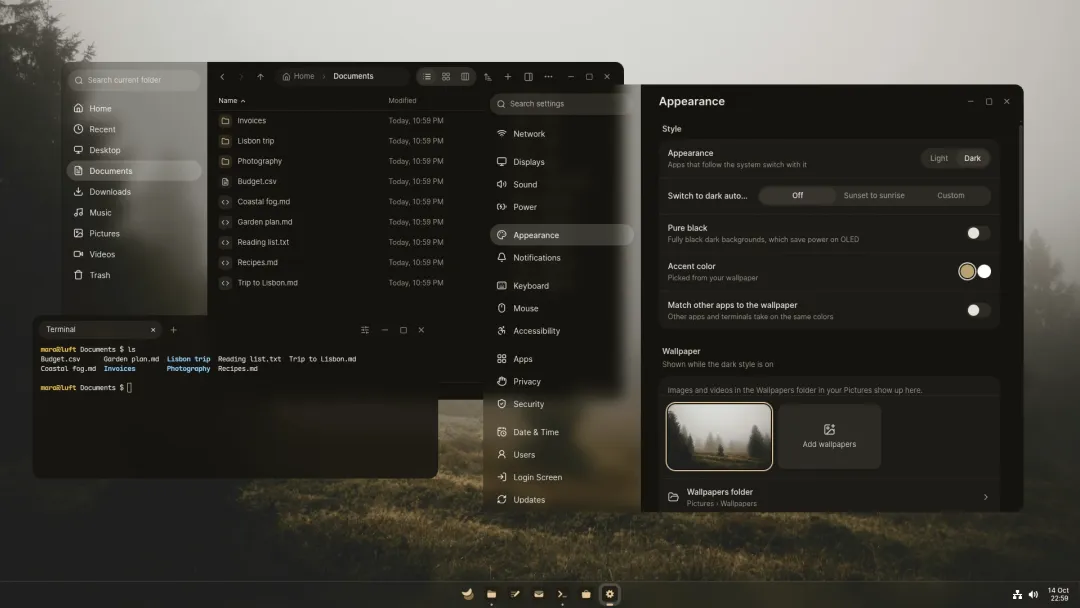
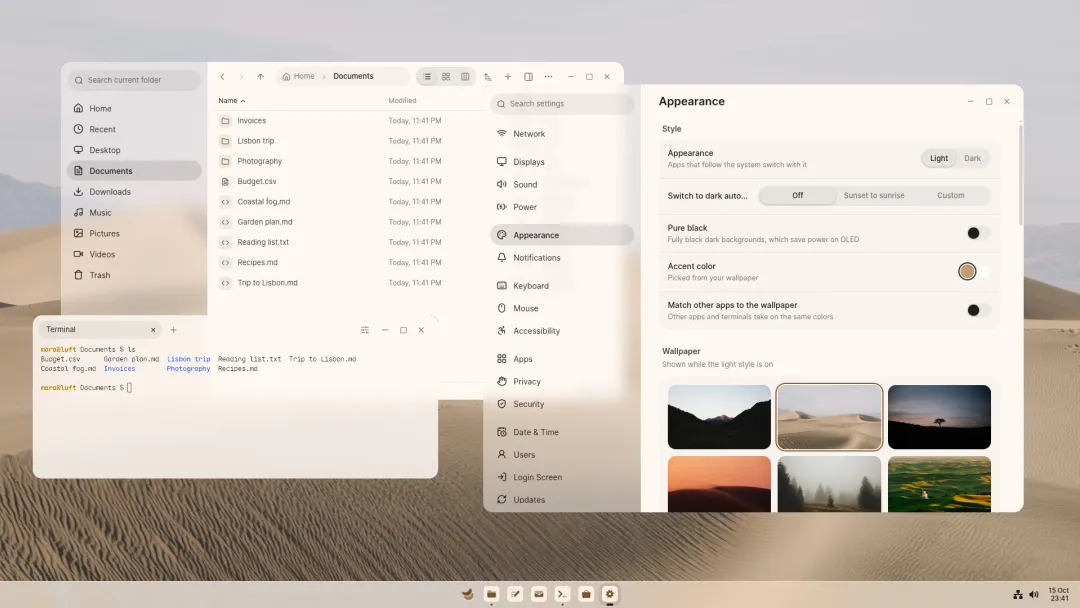
Section titled “What makes it different”- Its own desktop. Kestrel has a taskbar, Start with search that answers questions and finds files, Quick settings, a board where windows sit side by side on an endless canvas, snap layouts and workspaces. Its colours come from your wallpaper.
- Its own apps. Settings, Rover for files, Magpie for photos, videos, music and PDFs, Mailman for mail, Draft for text and code, Tern for the terminal, Schelf for more apps, and Helium for the web.
- Updates you don’t have to think about. The system updates as a whole at the next restart. If a new version doesn’t start, Luft goes back by itself.
- A startup you can trust. A signed startup, disk encryption that unlocks with the TPM, a keyring with passkeys, and USB devices held back while the screen is locked.
- Easy to try. Meet Luft gets a Windows or Linux computer ready without a USB stick, and Luft installs next to Windows or in place of another Linux, keeping your files.
Built on Fedora
Section titled “Built on Fedora”Luft uses Fedora’s kernel, drivers and packages, so hardware that works on Fedora works on Luft. Every common video and audio format plays out of the box, decoded in hardware on Intel, AMD and NVIDIA graphics. Computers with NVIDIA graphics get an image with NVIDIA’s driver, signed for Secure Boot.
Apps come from Flathub and as AppImages, and command-line tools from Fedora in a Toolbox container, all through Schelf. GNOME and KDE apps work as they do anywhere else.
Getting started
Section titled “Getting started”- Check the system requirements.
- Try it with Meet Luft, or from a USB stick.
- Install it, and read about the first start.