Mailman
Mailman keeps a local copy of every account, so opening, searching and sorting mail never waits on the network. New mail arrives as it’s sent, and only changes are fetched.
Accounts
Section titled “Accounts”Type your address and Mailman finds the settings for most providers by itself. IMAP and SMTP accounts work, and so do JMAP accounts. Passwords and sign-in tokens are kept in Luft Keyring, where only Mailman can read them.
An account can send from several addresses, each with its own signature and reply address. Replies go out from the address a message was written to.
A calmer inbox
Section titled “A calmer inbox”- One inbox for every account, with conversations grouped across folders.
- The Screener holds mail from people writing for the first time until you let them in.
- Bundles gather newsletters, receipts and updates, each with one-click unsubscribe.
- Later sets a conversation aside until later today, tomorrow morning, the weekend, next week or next month.
- Reminders bring a conversation back when nobody replied in a day, three days or a week.
Writing
Section titled “Writing”- Formatting as you type, in the style of Markdown, with pictures inline.
- Templates, and drafts saved to the server.
- Undo send for 5 to 30 seconds, and send later.
- Mailman opens
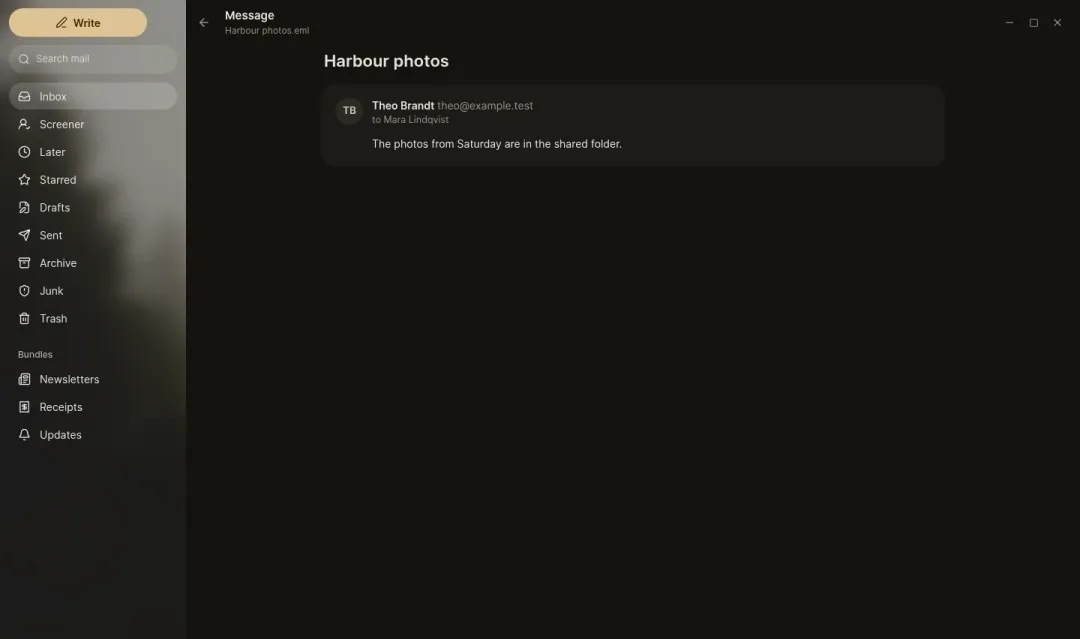
mailto:links and.emlfiles.
Reading safely
Section titled “Reading safely”Mail shows without scripts and without remote pictures until you allow them, and tracking pixels are removed. Darken bright messages tones down mail designed for a white page.
Search
Section titled “Search”Search works offline across every account. Combine words with from:, to:, subject:, is:unread, is:starred, has:attachment, or in:anywhere to include Trash and Junk.
Keyboard shortcuts
Section titled “Keyboard shortcuts”Ctrl+K opens the command palette, and ? lists every shortcut.
| Shortcut | Does |
|---|---|
| J / K | Next and previous conversation |
| E | Archive |
| # | Delete |
| B | Set aside for later |
| S | Star |
| R / A / F | Reply, reply all, forward |
| C | Write a message |
| / | Search |
| Z | Undo |
| G then I, K, L | Inbox, Screener, Later |
| Ctrl+Enter | Send |