Start and search
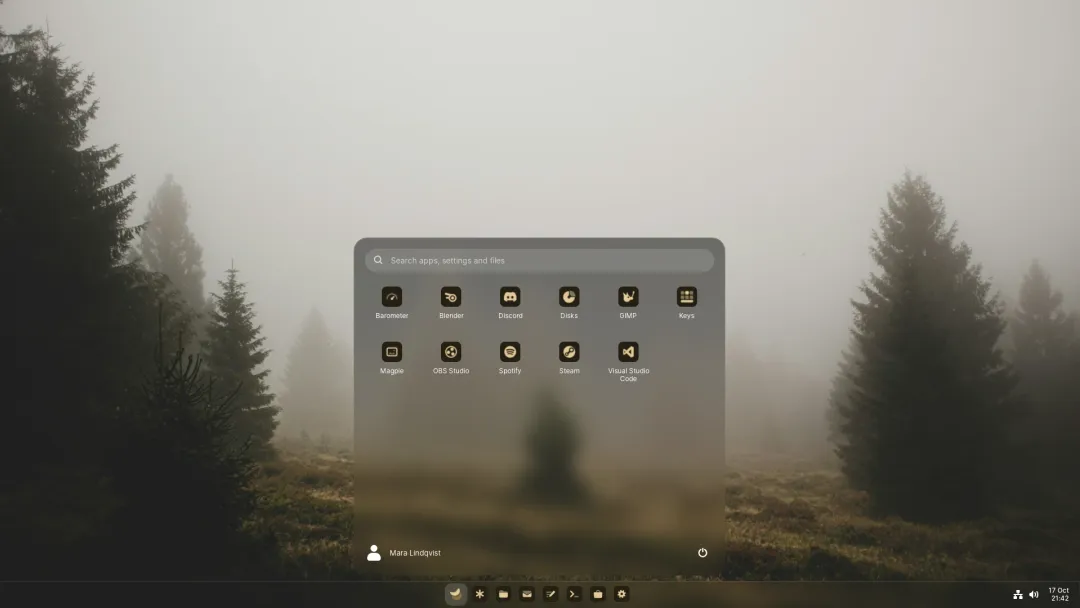
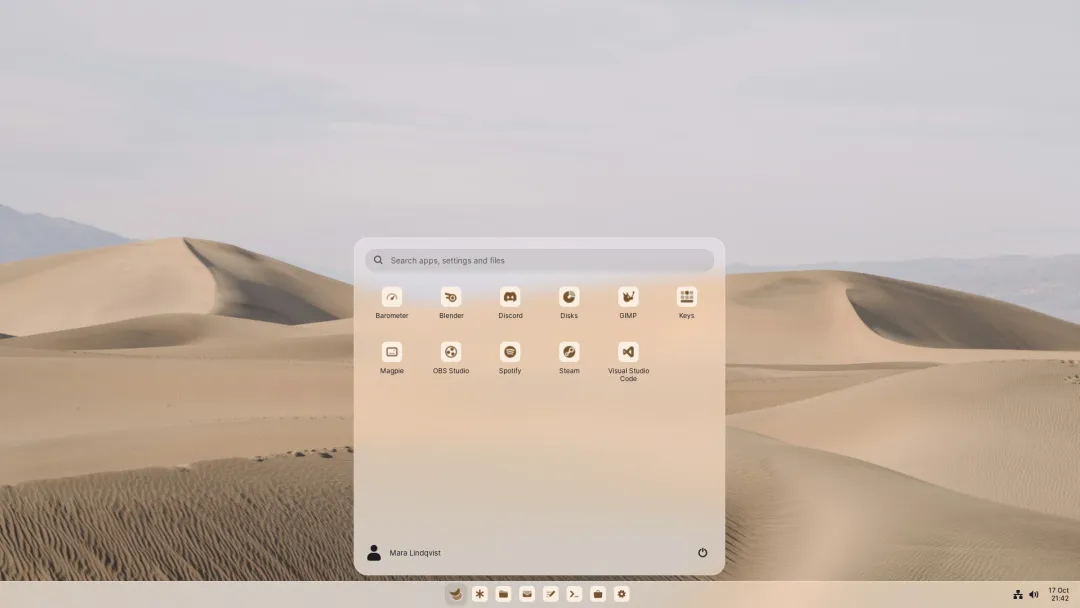
Press Super or click the Luft mark on the taskbar to open Start. It has a search field at the top, your apps below it, and your account and power buttons at the bottom.
Apps and folders
Section titled “Apps and folders”Start lists every app that isn’t pinned to the taskbar, in the order you give it. New apps are added at the end.
- Rearrange apps by dragging them.
- Make a folder by dragging one app onto another. Name it in the field at the top of the folder.
- Take an app out of a folder by dragging it onto Apps at the top, or with Move to Apps in its right-click menu. A folder that’s empty disappears.
- Pin an app to the taskbar by dragging it there, or with Pin to taskbar in its menu.
The power button at the bottom shows Lock, Suspend, Log out, Restart and Power off.
Search
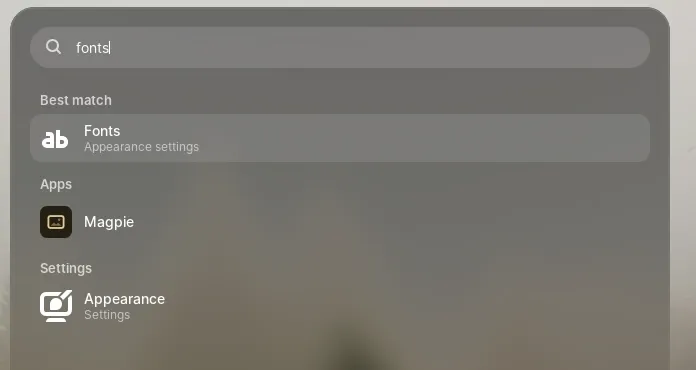
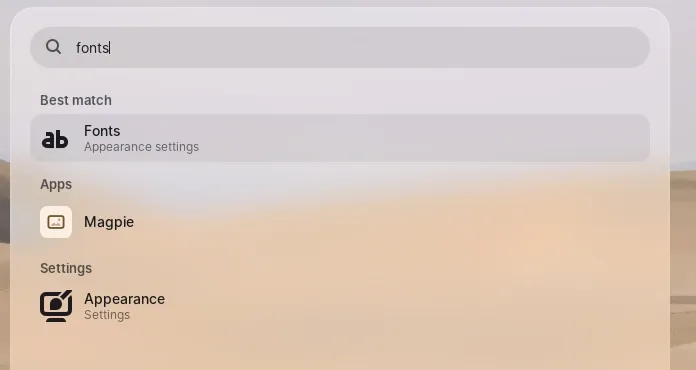
Section titled “Search”Start searches as you type. The best match sits on top and Enter opens it; the rest follow in groups.
| What | Examples |
|---|---|
| Apps, by name, kind and keywords | mail, files, terminal. Apps you open often rank higher |
| Calculations | 2*(3+18), 15% of 80, 80 + 15%, 2^10, sqrt(16), 7 mod 3. Enter copies the result |
| Unit conversions | 10 km to mi, 100 f, 1.5 GB in MiB, 90 min. Without a target unit, Start picks the usual one |
| Actions | dark mode, night light, dnd, wifi off, bluetooth, airplane mode, keep awake, lock, sleep, sign out, restart, shut down |
| Settings pages and sections | night light, fonts, taskbar |
| Recent files | The same list as Recent in Rover |
| Files and folders in your home folder | Several words narrow it down by folder, so garden readme finds garden-planner/README.md |
| Text inside files | Plain text, Markdown, code and other text files up to 1 MB, and the first 40 pages of PDFs. The matching line shows under the file |
Conversions cover length, mass, temperature, data sizes, time, volume and speed. Currencies aren’t included, since they’d need a network lookup. Log out, restart and power off still ask first.
| Key | Does |
|---|---|
| Enter | Opens the best match |
| Ctrl+Enter | Shows the best file in Rover |
| Down or Tab | Moves into the results |
| Menu or right-click | More for a result, such as Show in Rover or Copy path |
| Esc | Clears the search, then leaves a folder, then closes Start |
How files are found
Section titled “How files are found”Luft keeps an index of the names and text of files in your home folder. It works at the lowest priority, looks for changes every five minutes (fifteen on battery), and when you open Start or plug in. A file saved a moment ago can take until the next look to appear. File contents are only read while plugged in; on battery, names stay current and contents wait.
The index leaves out hidden files and folders, other drives, anything a Git repository’s .gitignore or an .ignore file excludes, cache folders such as node_modules, and read-only folders. Deleting ~/.cache/kestrel/search makes it read everything again.