Clipboard and emoji
Clipboard history
Section titled “Clipboard history”Press Super+V to see what you’ve copied recently. It opens next to where you’re typing.
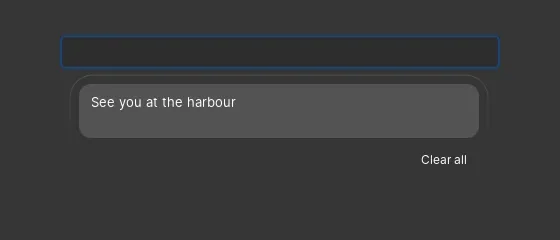
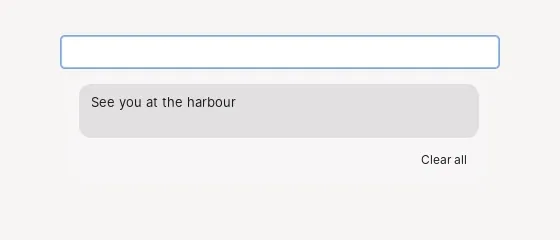
- Click an entry to paste it, or press Delete to remove it. Right-click for Paste, Copy and Remove, and Clear all empties the list.
- It keeps the last 25 things you copied, up to 8 of them pictures.
- Passwords copied from a password manager that marks them as such are never kept.
- The history lives only in memory, so it’s gone after you sign out.
Emoji, symbols and kaomoji
Section titled “Emoji, symbols and kaomoji”Press Super+. or Super+; to open the picker next to where you’re typing. Search, or browse the tabs:
- Recently used
- Emoji, in nine groups from smileys to flags, with a skin tone that’s remembered
- Symbols: common symbols, arrows, maths, currency, punctuation, Latin and Greek letters, shapes and more
- Kaomoji ¯\_(ツ)_/¯
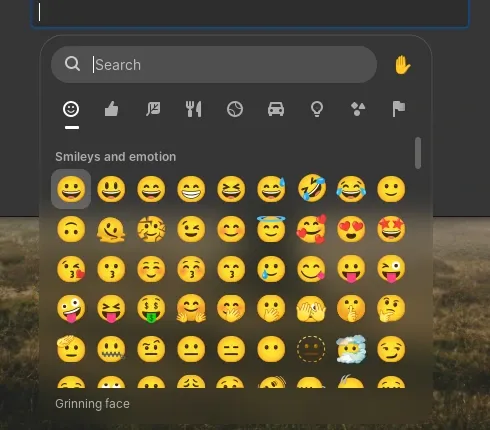
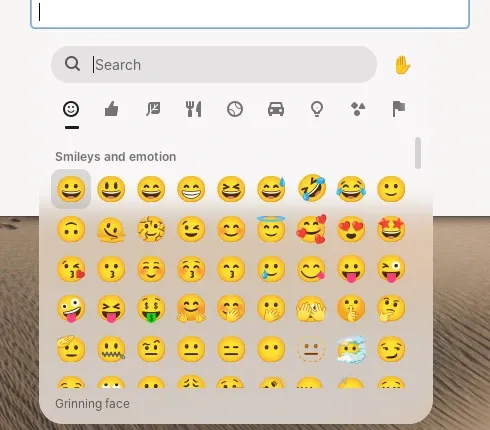
Tab moves between the grid, the skin tone and the tabs, arrows move in the grid, and Enter inserts. The name of what’s selected shows at the bottom.
The picker types straight into the app when it can. Otherwise it pastes and puts back whatever was on your clipboard before.