Schelf
Schelf is where you get apps: from Flathub, as AppImages, and command-line tools from Fedora. System updates, such as the kernel and drivers, live in Settings, so Schelf only deals with apps.
Finding apps
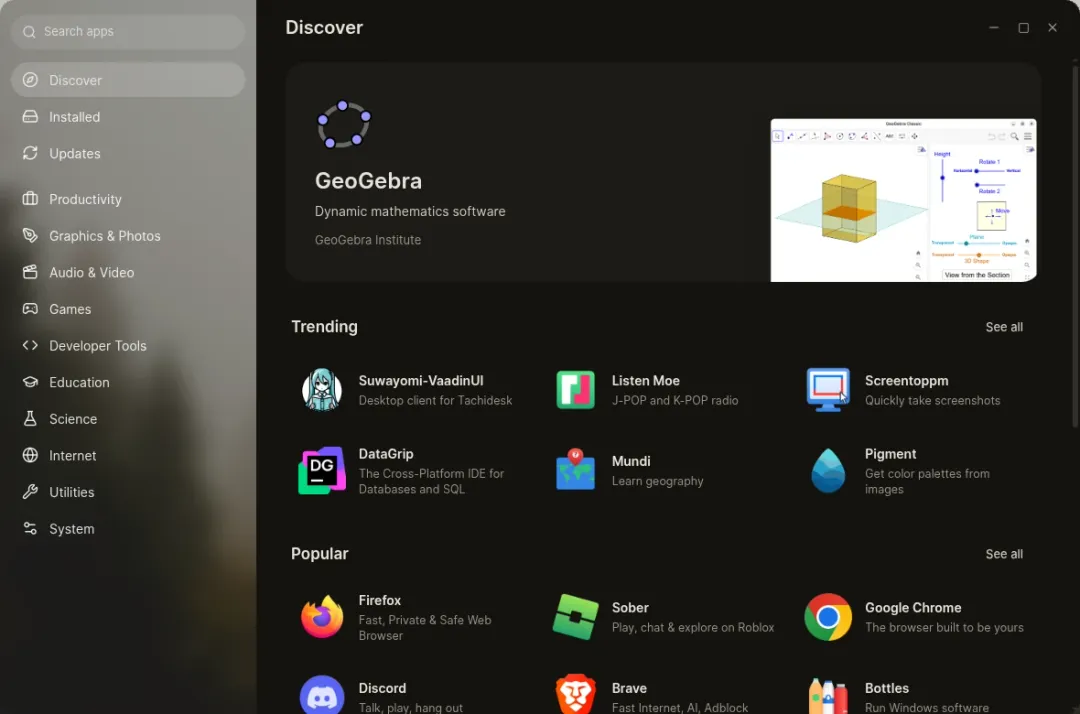
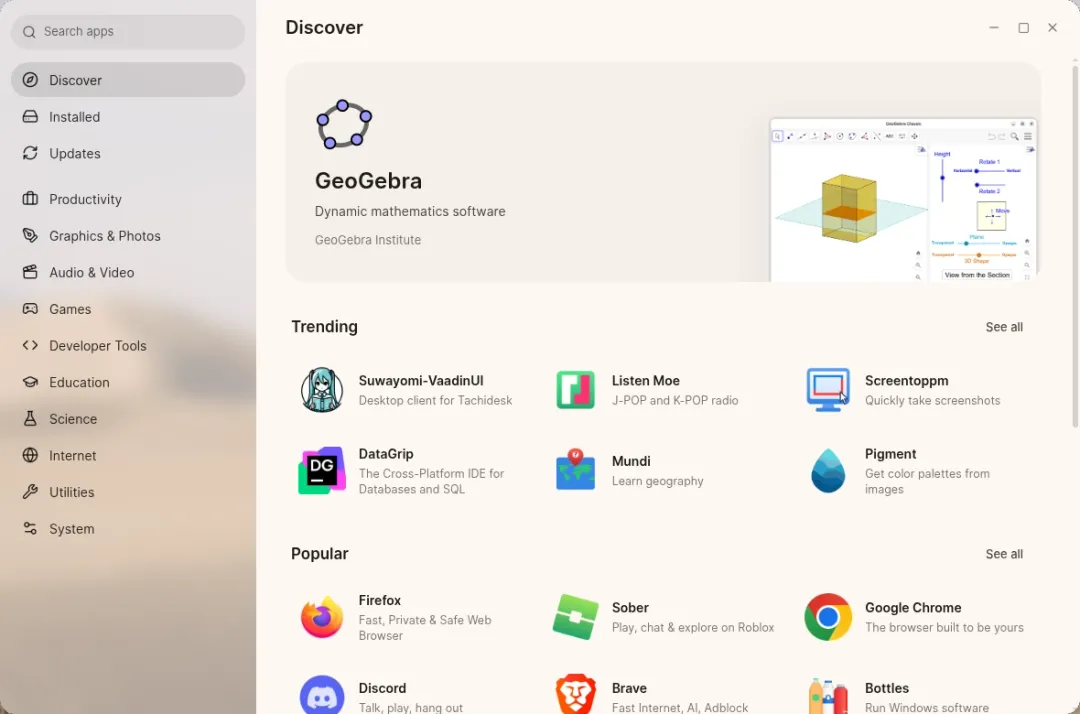
Section titled “Finding apps”- Discover shows trending, popular and recently updated apps, and categories.
- Search looks through your installed apps, Flathub and command-line tools at once.
- App pages have screenshots, release notes, the size, licence and source. Flathub apps explain their permissions in plain words, broadest access first.
- Catalog pages are kept on disk, so browsing works offline.
Installing and updating
Section titled “Installing and updating”- Downloads queue up, show their progress and can be cancelled.
- Installed lists every app with its size and where it came from.
- Updates updates every app in one go. Flatpak runtimes are listed separately, as app platforms.
- AppImages update by themselves a few minutes after you sign in, and every six hours after that.
Opening a .flatpakref, .AppImage or .rpm file shows a page explaining it, and where it would go, before anything is installed. Installing software explains where each kind goes.
Command-line tools
Section titled “Command-line tools”Search for a tool, such as ffmpeg or htop, and Schelf installs it from Fedora into a Toolbox container. Its commands work in Tern like any other, and its updates appear under Updates.